
ASTRA - Travel Agent Lead Generation Website Widget
1. Iframe

Iframe (Simplest)
- The easiest way to add the widget — just one HTML tag, no extra setup
- Copy the Iframe snippet from your Embed Widget dashboard and paste it anywhere on your website
- Displays the full AI-powered trip planner directly on your page
- Best suited for a dedicated “Plan Your Trip” page
2. Script Tag
Script Tag (Auto-Resize)
- Automatically adjusts its height to fit the content — no fixed sizing needed
- Just add one
<div>and a script tag to your page - Keeps the widget looking clean on any screen size, without manual adjustments
- Ideal if your page layout changes often or content length varies
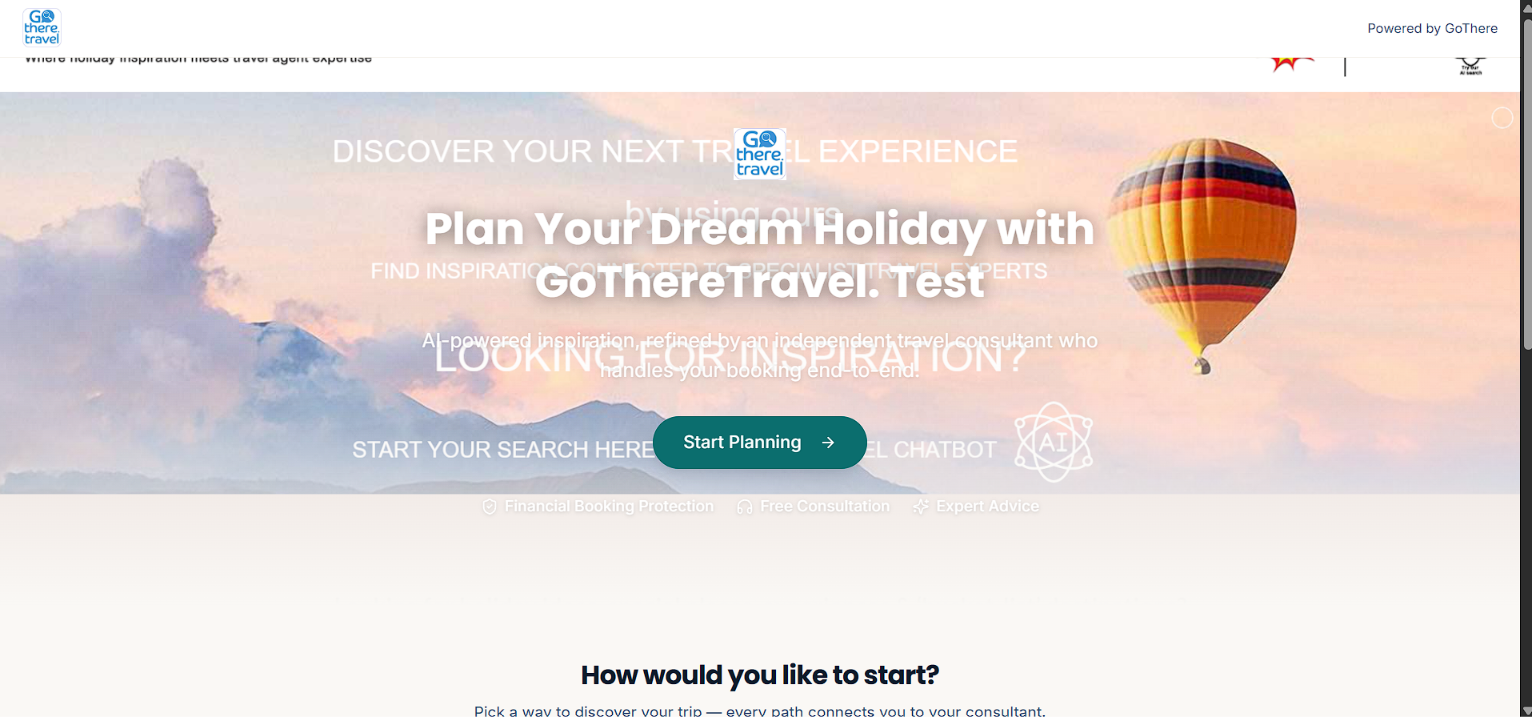
3. Web Component
Web Component (Recommended)
- The most modern and flexible integration method
- Uses a simple custom tag (
<gothere-planner>) that works like any other HTML element - Automatically stays in sync with your latest branding and updates
- Recommended for developers who want the cleanest, most maintainable setup
4. Floating Launcher
Floating Launcher (One Script Tag)
- Adds a floating “Plan a Trip” button that stays visible as visitors scroll
- Works on every page with just one script — no need to place it manually each time
- Opens the full widget experience when clicked, without leaving the page
- Great for capturing leads site-wide without disrupting your page design
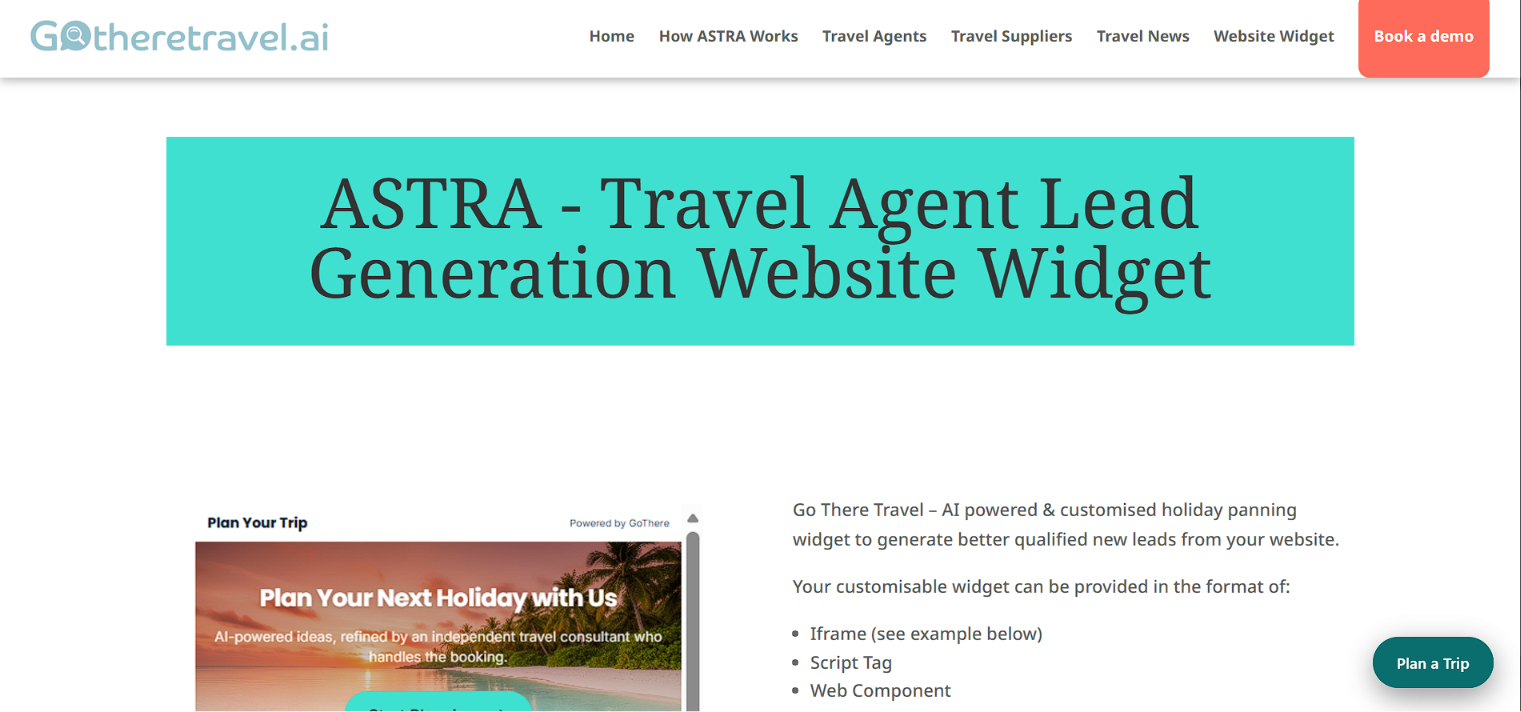
5. Floating Launcher
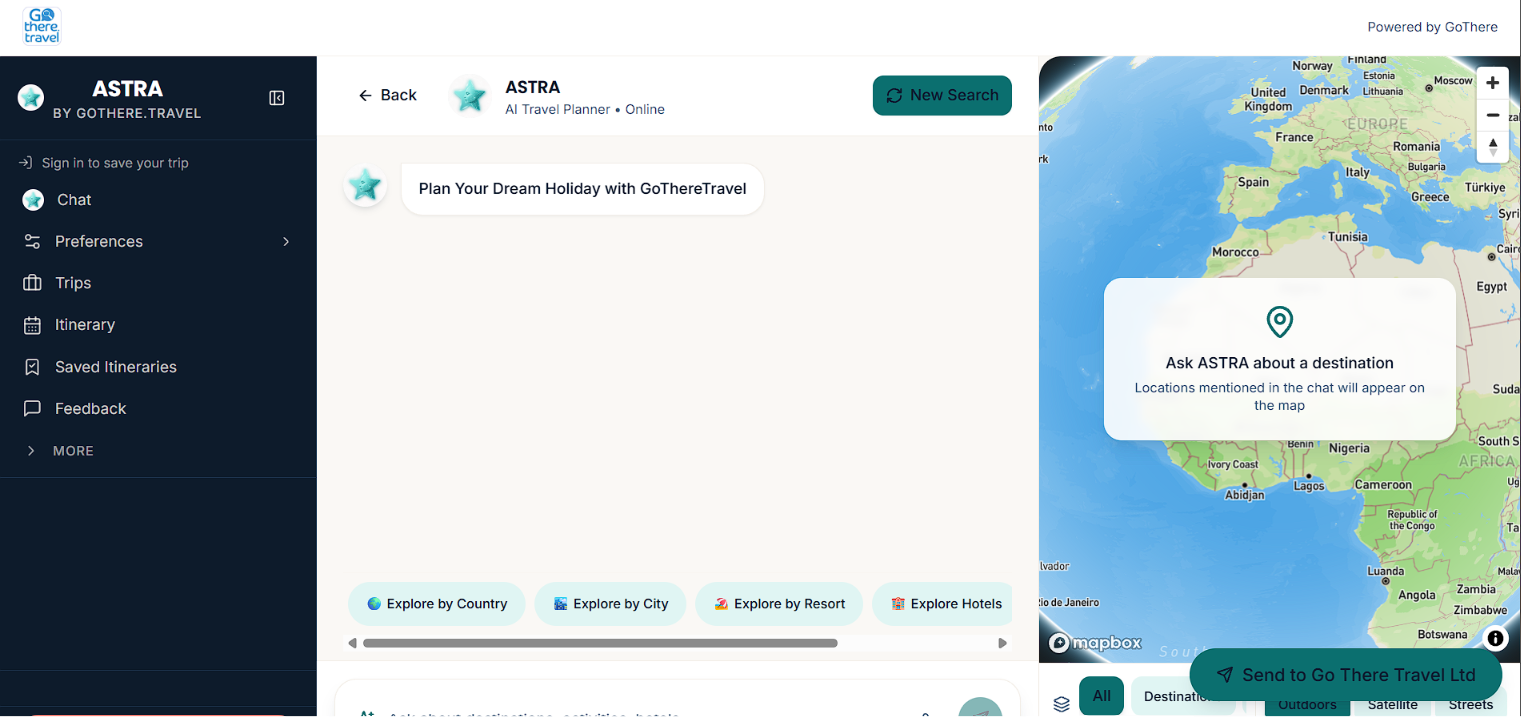
Floating Launcher (Inline, No Loader)
- Same floating button experience, but fully self-contained — no external file loads
- Opens the widget inside a clean popup/modal window
- Lightweight and fast, with everything embedded directly in the script
- Best choice if you want maximum control and minimal dependency on external scripts